Account managers for customers
Kirti Gulati
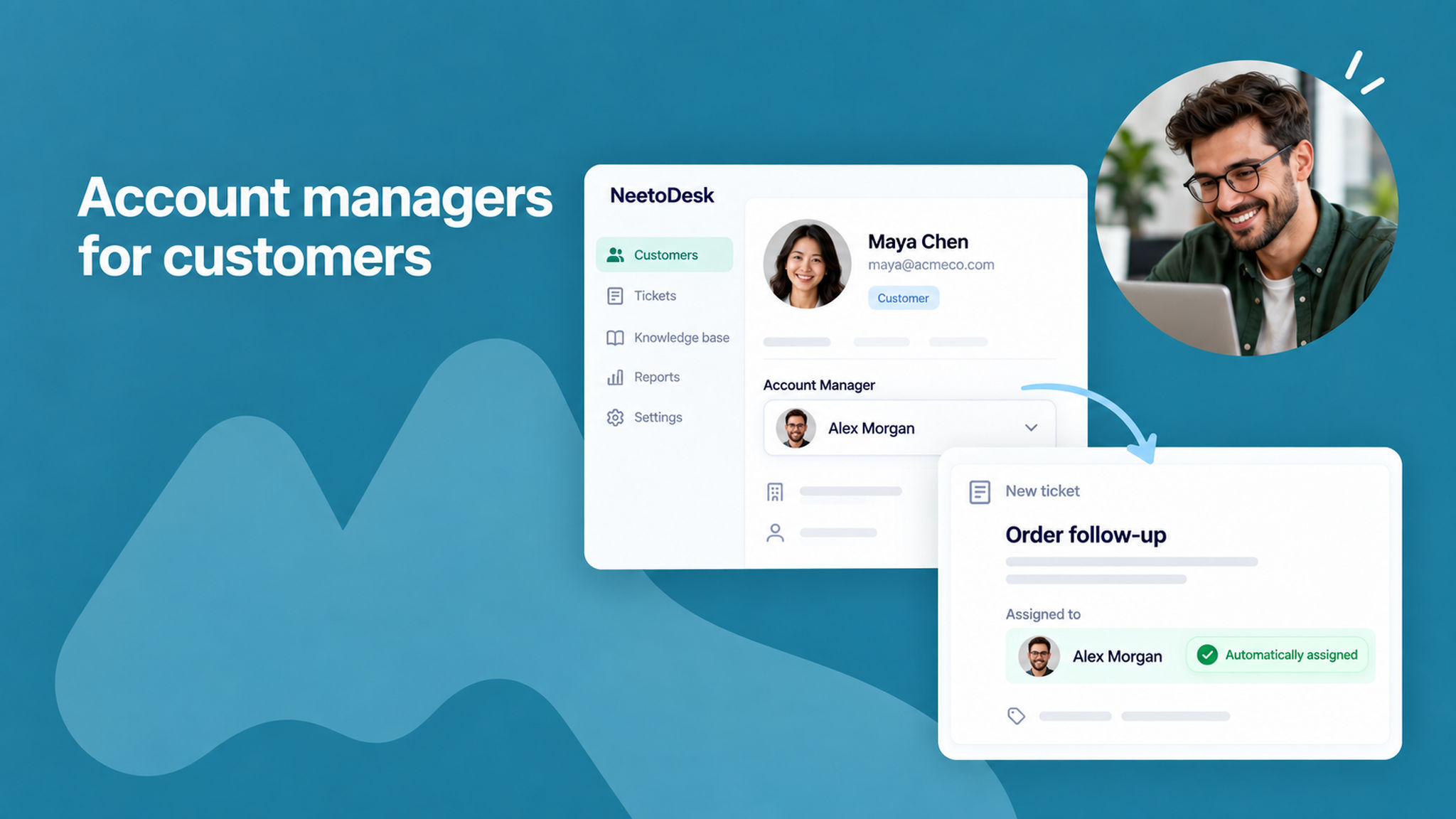
You can now assign a dedicated account manager to each customer. Open a customer and choose a team member in the Account Manager section.
New tickets from that customer are then assigned to their account manager automatically, through the default automation rule "[Auto Assign] - Assign to account manager on ticket creation". If the account manager is unavailable, the ticket stays unassigned.
To know more, read this help article.