Bulk upload customer data
Harshita Singh
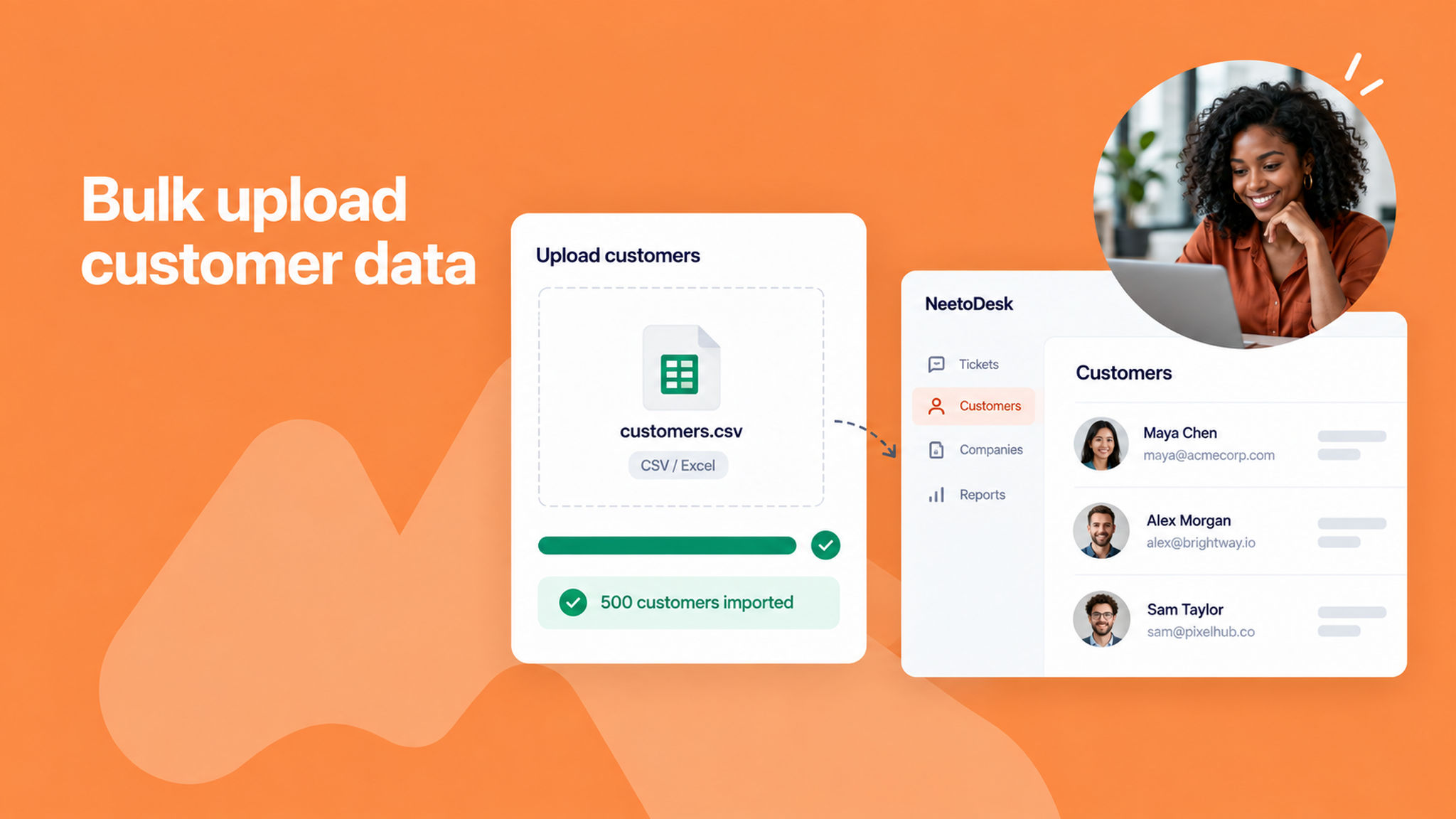
With the NeetoDesk Bulk Upload feature, you can now add multiple customers to your system in one go by uploading a file. No more entering each customer manually.
Whether you're migrating data from another tool or onboarding hundreds of new customers, this feature supports commonly used file formats like CSV and Excel, making the process quick and hassle-free.
For example, if you have a spreadsheet with 500 customer entries, you can upload it directly, and all the data will be processed and added automatically. It’s the easiest way to scale your customer onboarding.
To learn more about this feature, read our help article.