Choose which ticket view opens first
Sagar Anadkat
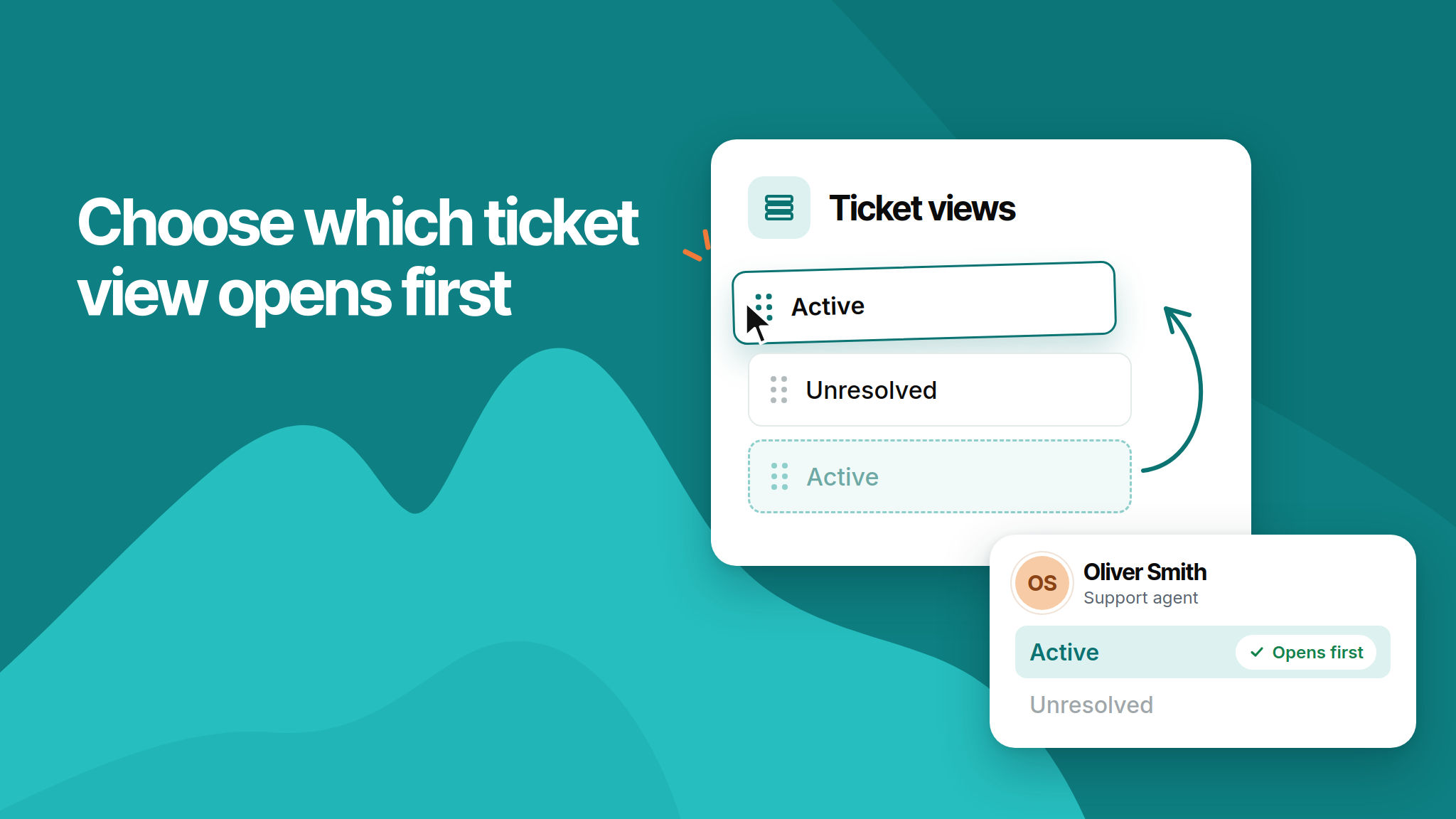
You can now choose which ticket view opens first. When agents sign in or click Tickets, NeetoDesk opens the first view in their sidebar instead of always opening Unresolved.
To change it, reorder your views in Admin Panel > Ticket views. For example, move Active to the top and agents will land on Active. Agents who can't access that view will land on the first view in their own sidebar.
To learn more, read our help article.