Connect your own mail server
Kirti Gulati
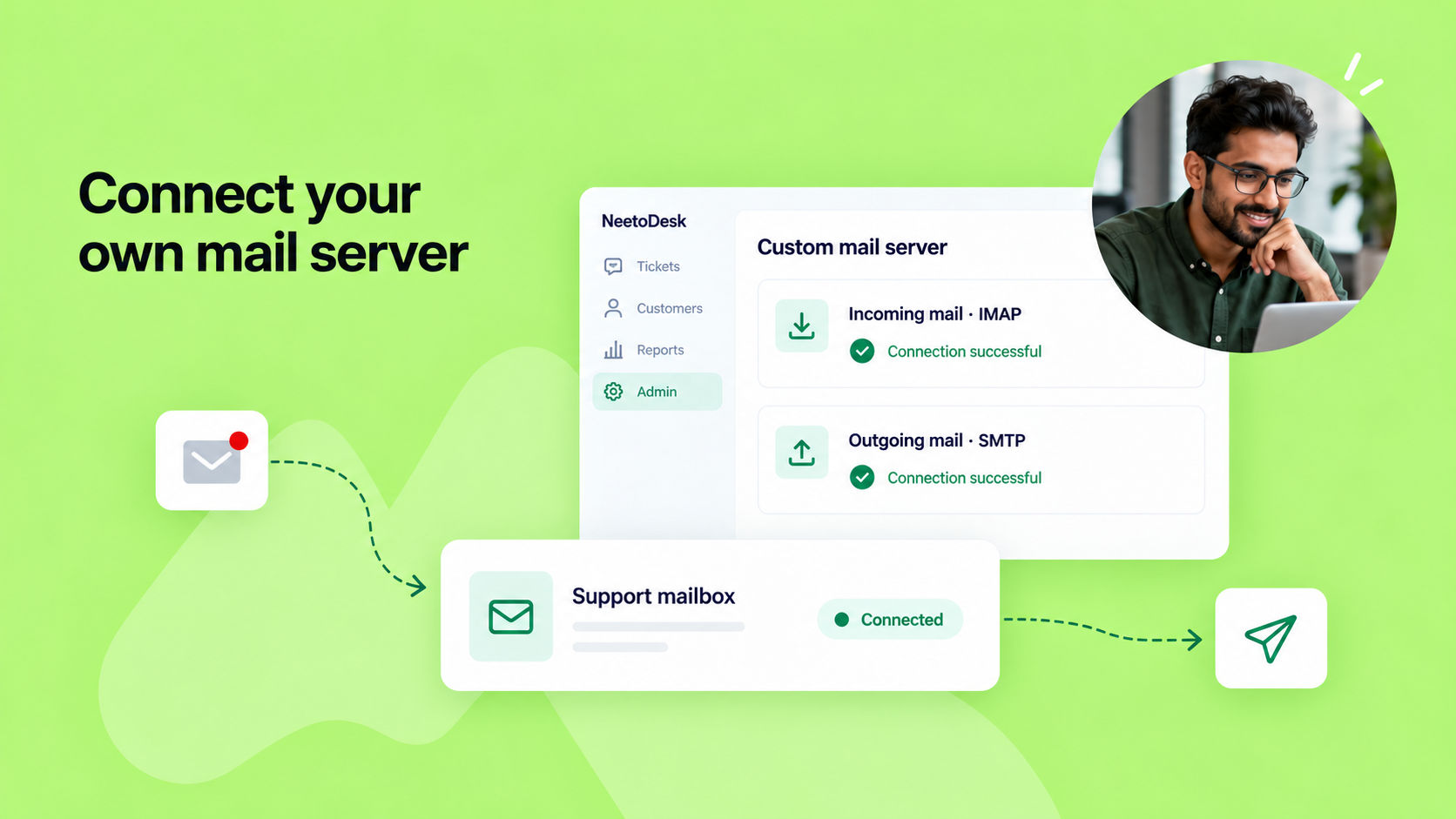
Until now, you could connect a mailbox only through Gmail, Microsoft Outlook or email forwarding. If you run your own mail server, you can now connect it to NeetoDesk directly.
Go to Admin Panel > Support Channels > Mailboxes, open a mailbox and choose Custom mail server. Enter the details of your incoming (IMAP) and outgoing (SMTP) servers. NeetoDesk tests both connections before saving. New emails to the mailbox become tickets, and your replies go out through your own SMTP server from your support address.
We also redesigned the Mailboxes page. Each mailbox now shows as a card with its connection status, and connecting a mailbox and changing its settings are now two separate steps.