Custom Priorities
Harshita Singh
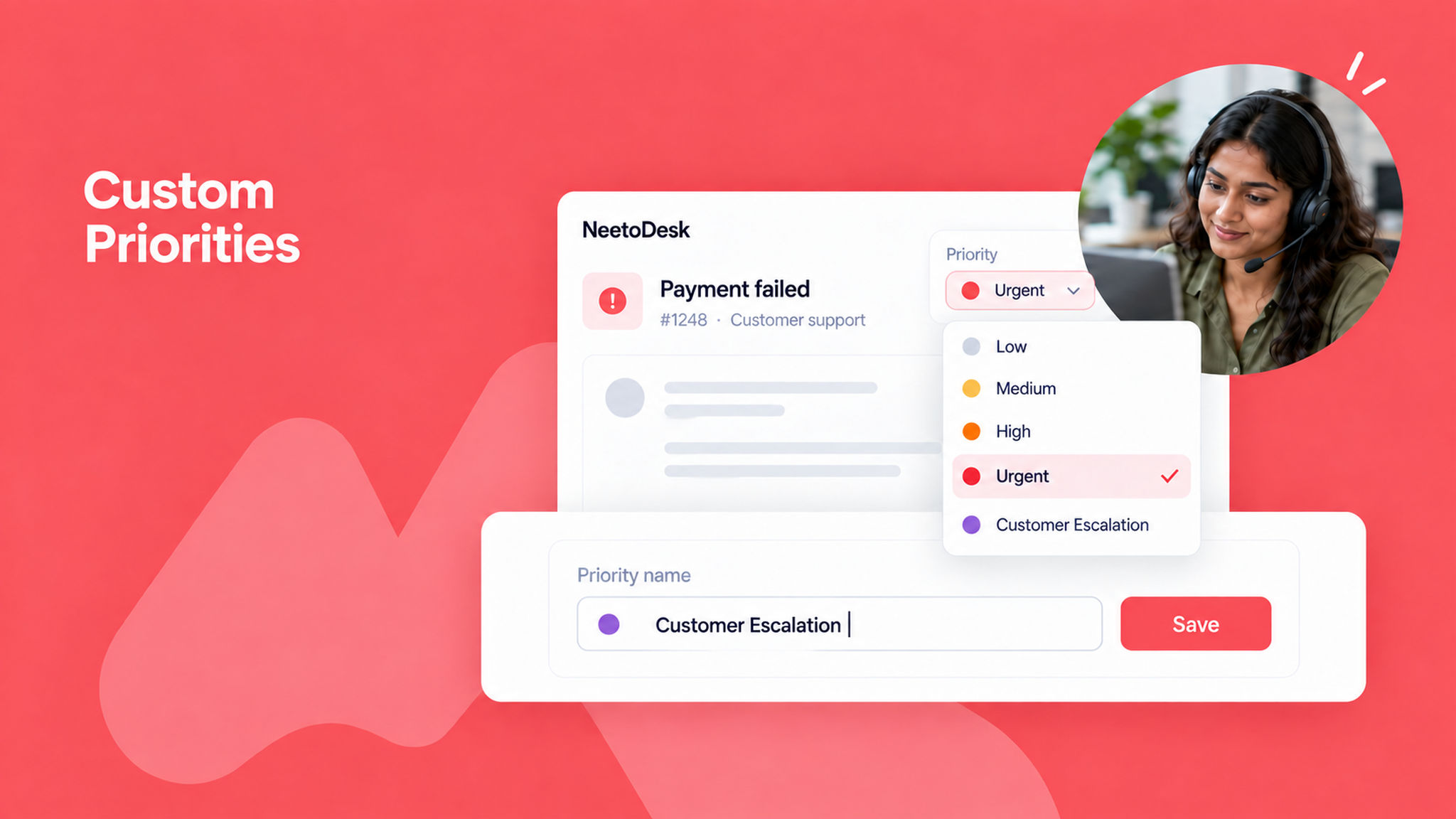
We have added a feature to customize or add priorities, giving you greater flexibility to organize your workflow according to your team’s unique needs.
With this feature, you can edit priority levels like "Low," "Medium," or "High," or add custom ones such as "Urgent" or "Customer Escalation," depending on your team’s requirements.
For example, if your team needs to quickly identify critical issues, you can set a priority called Urgent and assign it accordingly. This will help everyone focus on the most important tasks first and enhance overall efficiency.
To learn more about this feature, read our help article.