Email history in ticket activity log
Sagar Anadkat
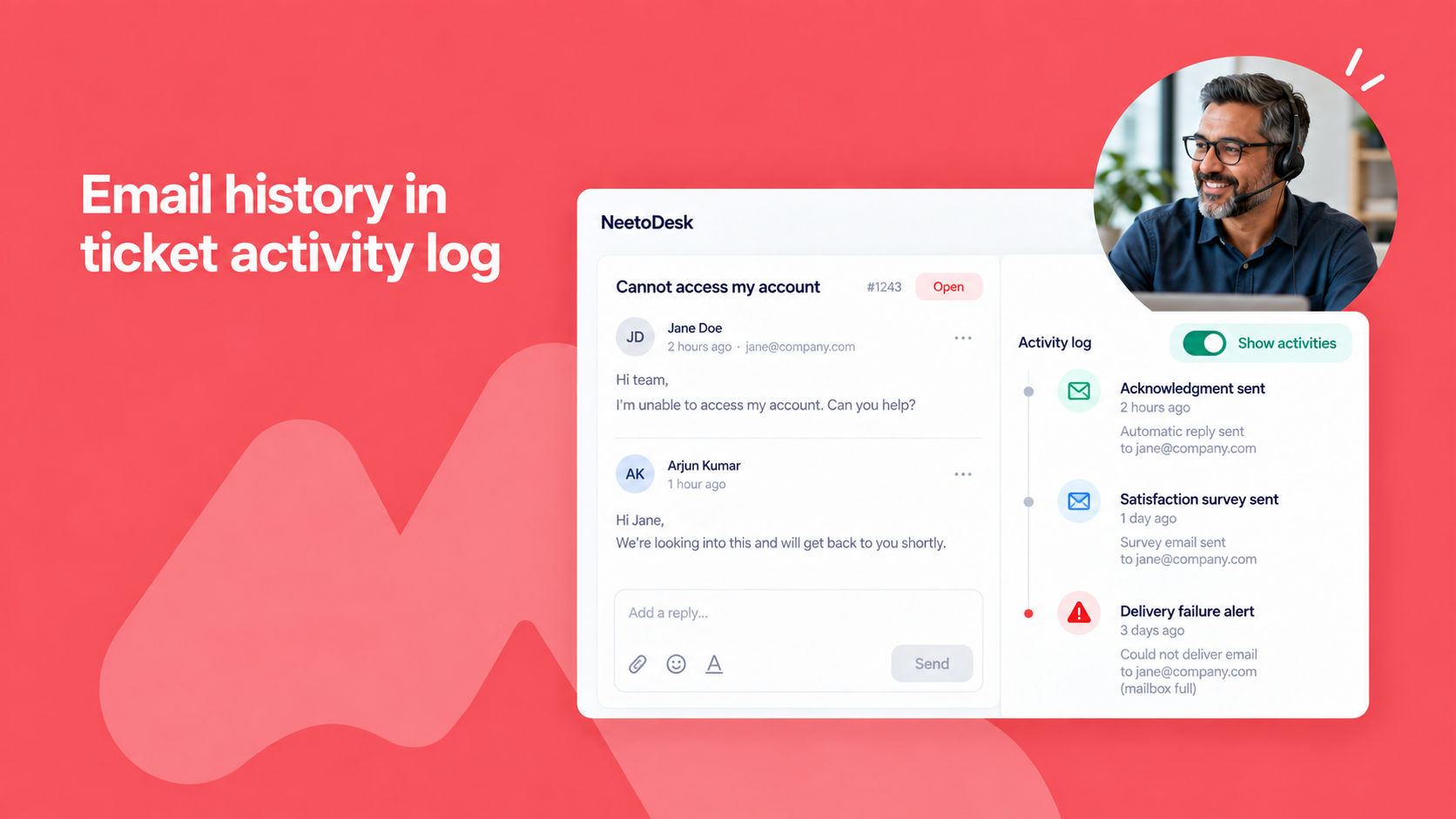
You can now see every email NeetoDesk sends about a ticket in the ticket's activity log. Automatic replies from automation rules, customer satisfaction surveys, SLA escalation emails, notices about attachments that were too large, and delivery failure alerts all appear in the conversation timeline, in the order they went out.
When a customer says they never received an acknowledgment, you can open the ticket, click Show activities, and see what actually went out instead of guessing.
To learn more, read our help article.