Forward emails into an existing ticket
Kirti Gulati
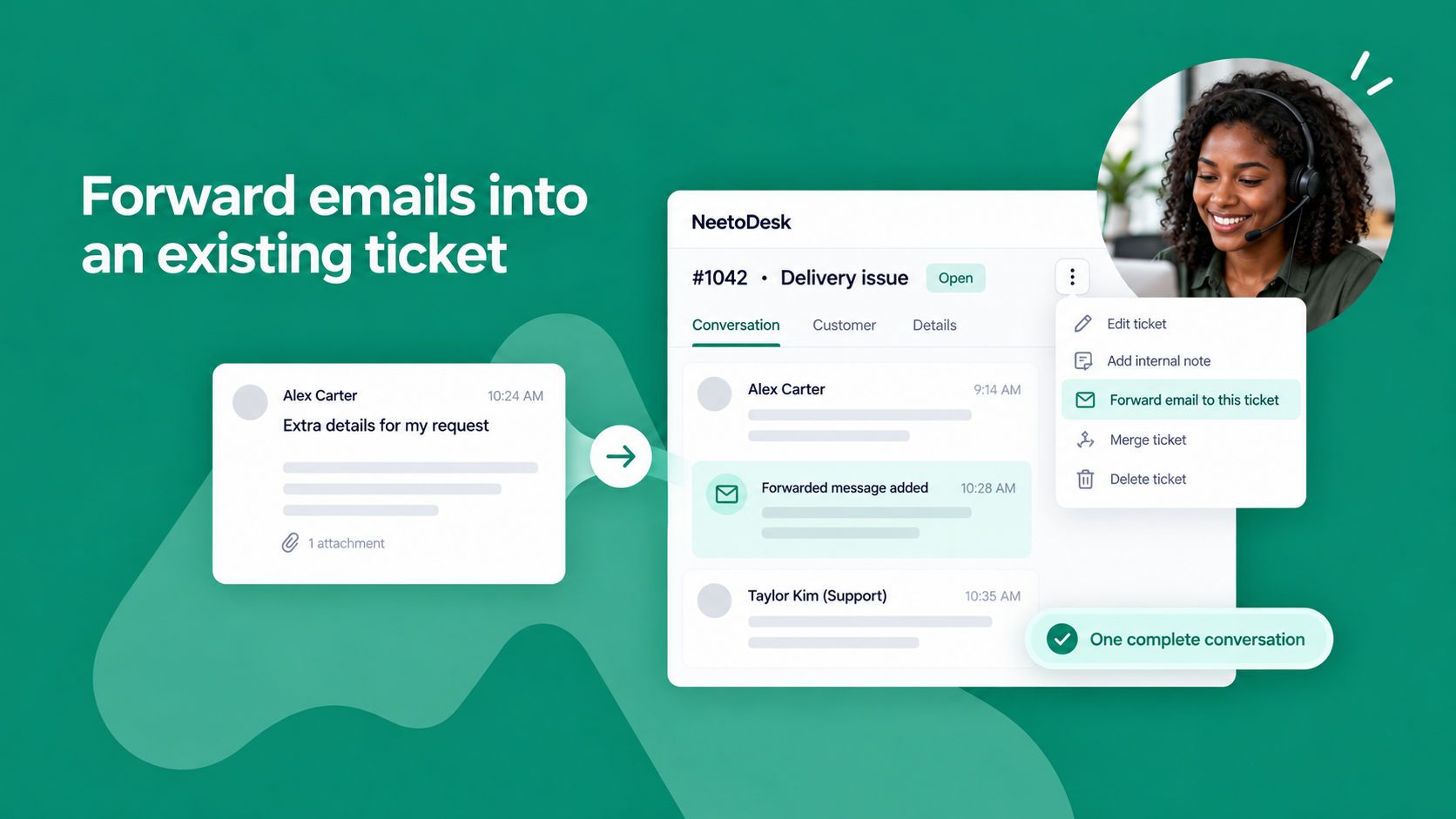
Sometimes a customer follows up in a separate email, or a colleague receives something related to a ticket. Forwarding it to your support address creates a duplicate ticket.
Every ticket now has its own unique email address. Open the ticket, choose Forward email to this ticket from the ticket menu, and copy the address. Any email you forward to that address is added to the ticket as a new message, so the whole conversation stays in one thread.