Google Sheets integration
Kirti Gulati
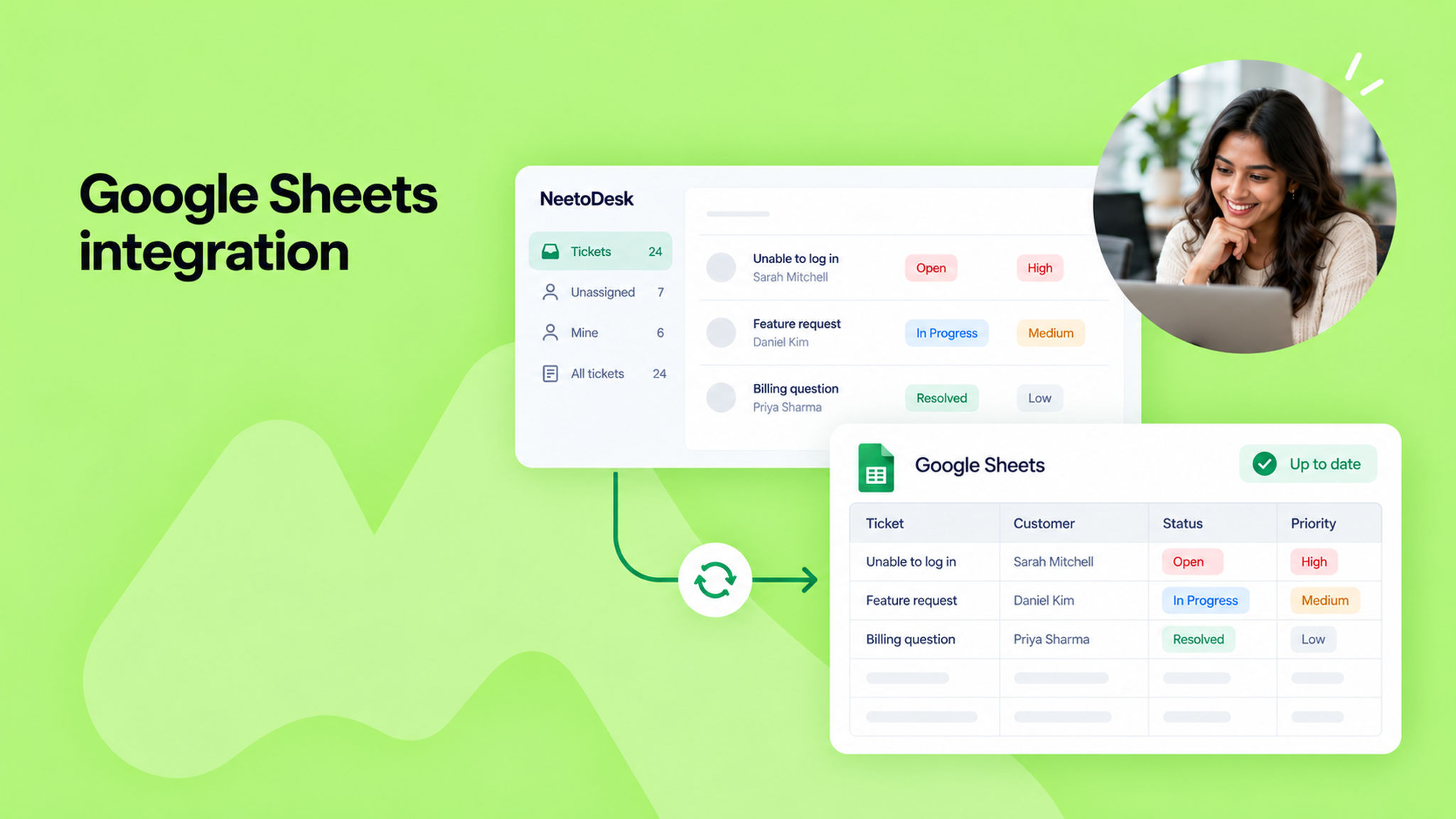
You can now sync your tickets to a Google Sheet for reporting and analysis. Connect your Google account and choose the ticket fields you want. NeetoDesk creates the spreadsheet in your Google Drive and keeps it updated as tickets change.
Go to Admin Panel > Integrations > Google Sheets to connect.
To know more, read this help article.