Help articles in ticket replies
Sagar Anadkat
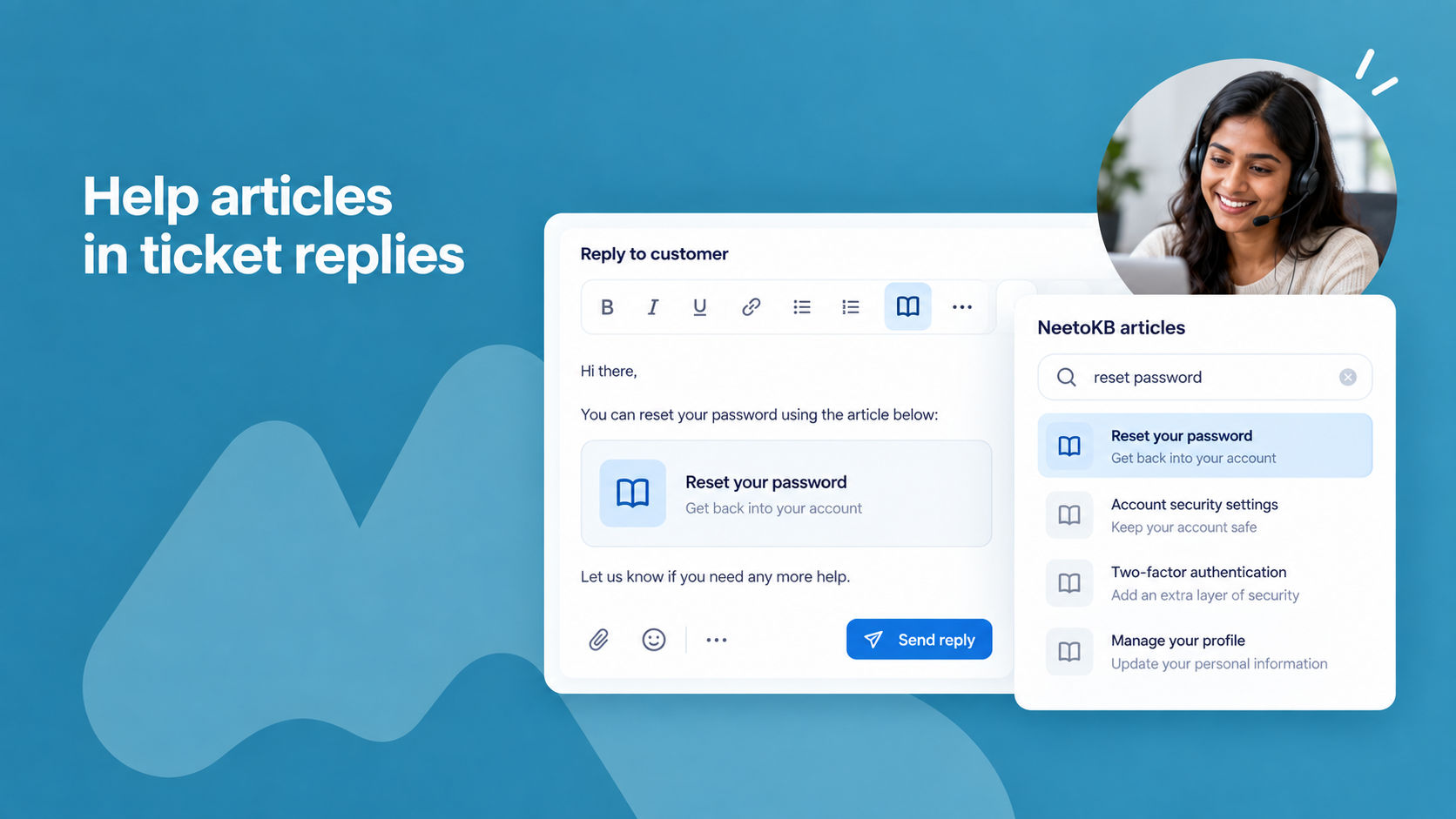
You can now add help articles from your knowledge base (NeetoKB) straight into a ticket reply. While replying, click the NeetoKB article icon in the editor, search for the help article, and insert the right article without leaving the ticket or copying links by hand.
The article's title and a short description are added to your reply as a link that the customer can open, so they get the full answer in one place. There is nothing to connect or set up; this is always available in the reply editor.
To learn more, read our help article.