IP restriction
Sagar Anadkat
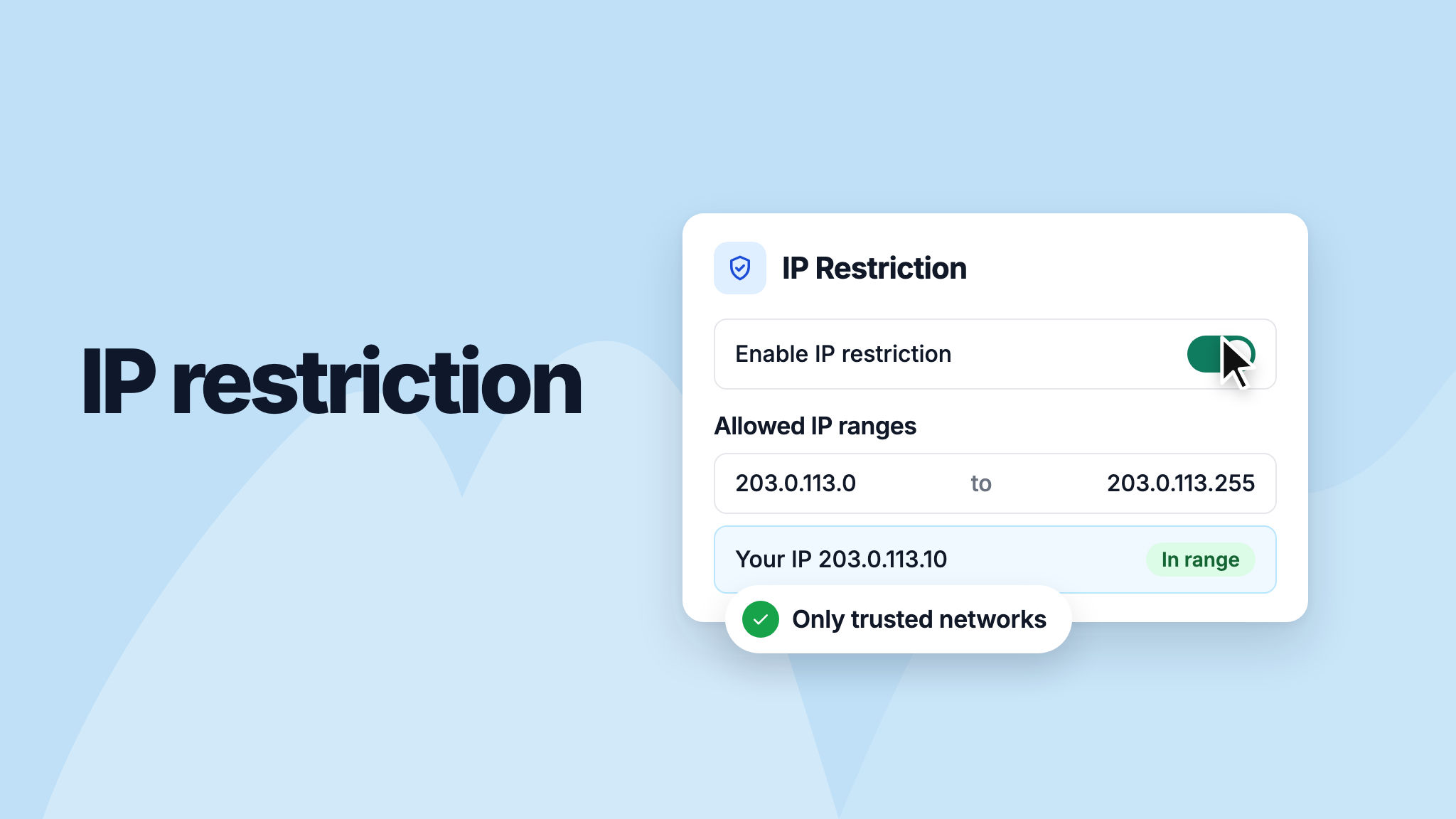
You can now limit access to your NeetoDesk workspace to specific IP addresses or IP ranges. Only people on your trusted networks, such as your office network or company VPN, can then view or work with your data.
To set it up, go to Admin Panel > IP Restriction and turn it on. Your current IP address is added to the allowed range automatically, so you don't lock yourself out.
To learn more, read our help article.