Meet the NeetoDesk CLI: your helpdesk in the terminal
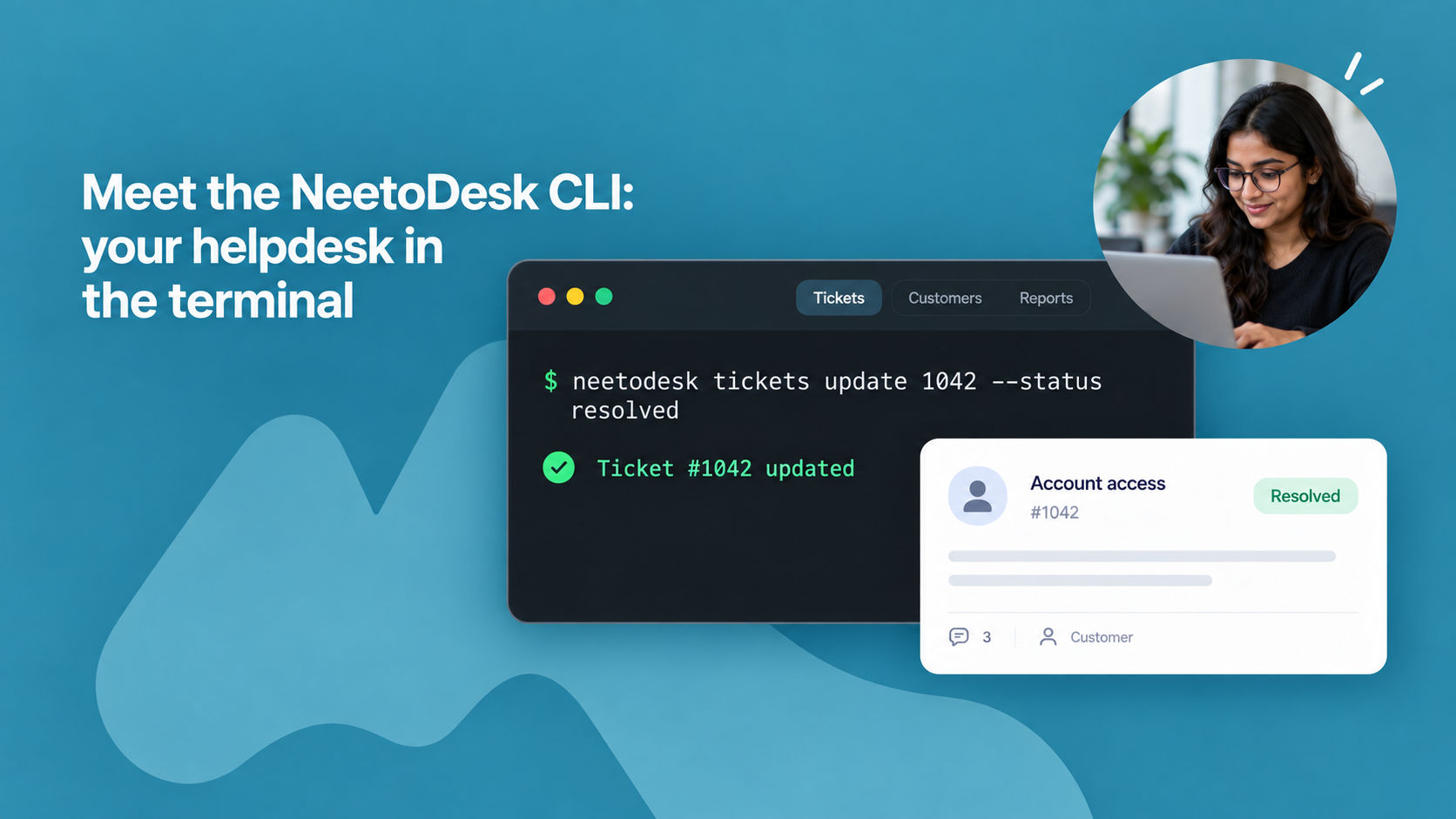
NeetoDesk now has a command-line tool, neetodesk. It gives you tickets, replies, drafts, customers, forms, reports and team members right in your terminal. You can triage a queue, reply to a customer, save a draft or pull a month of agent response times without opening a browser.
Setup takes a minute: install it on macOS, Linux or Windows and run neetodesk login. You sign in through your browser, so there's no API key to copy, store or rotate.
The CLI acts as you, so it can only reach the tickets your role allows. And with neetodesk setup, you can give Claude, Cursor, Codex, Copilot, Gemini or Windsurf a NeetoDesk skill.
Then a plain-language request like "close all resolved billing tickets from last week" turns into an exact command you can read, check and reuse.
The CLI shines when you want to automate your support work instead of clicking through it. Every command can return JSON, so results flow straight into jq, a shell script, a spreadsheet or a CI job. --quiet returns just the ticket ID, so you can pass it to the next command.
Need to work through thousands of tickets? The CLI returns up to 100 tickets per page, along with the total count and number of pages, so a script can work through an entire queue unattended. Because each command states exactly what it will do, it fits into runbooks and checklists.
For example, neetodesk tickets update 1042 --status resolved works the same every time, whoever runs it.
You can schedule a nightly job to clean up stale tickets, send weekly reports to your own dashboard, or offboard a team member with one line. No AI model or open browser is needed, just the tool and your session.
To know more, read this help article.