Move tickets across workspaces
Kirti Gulati
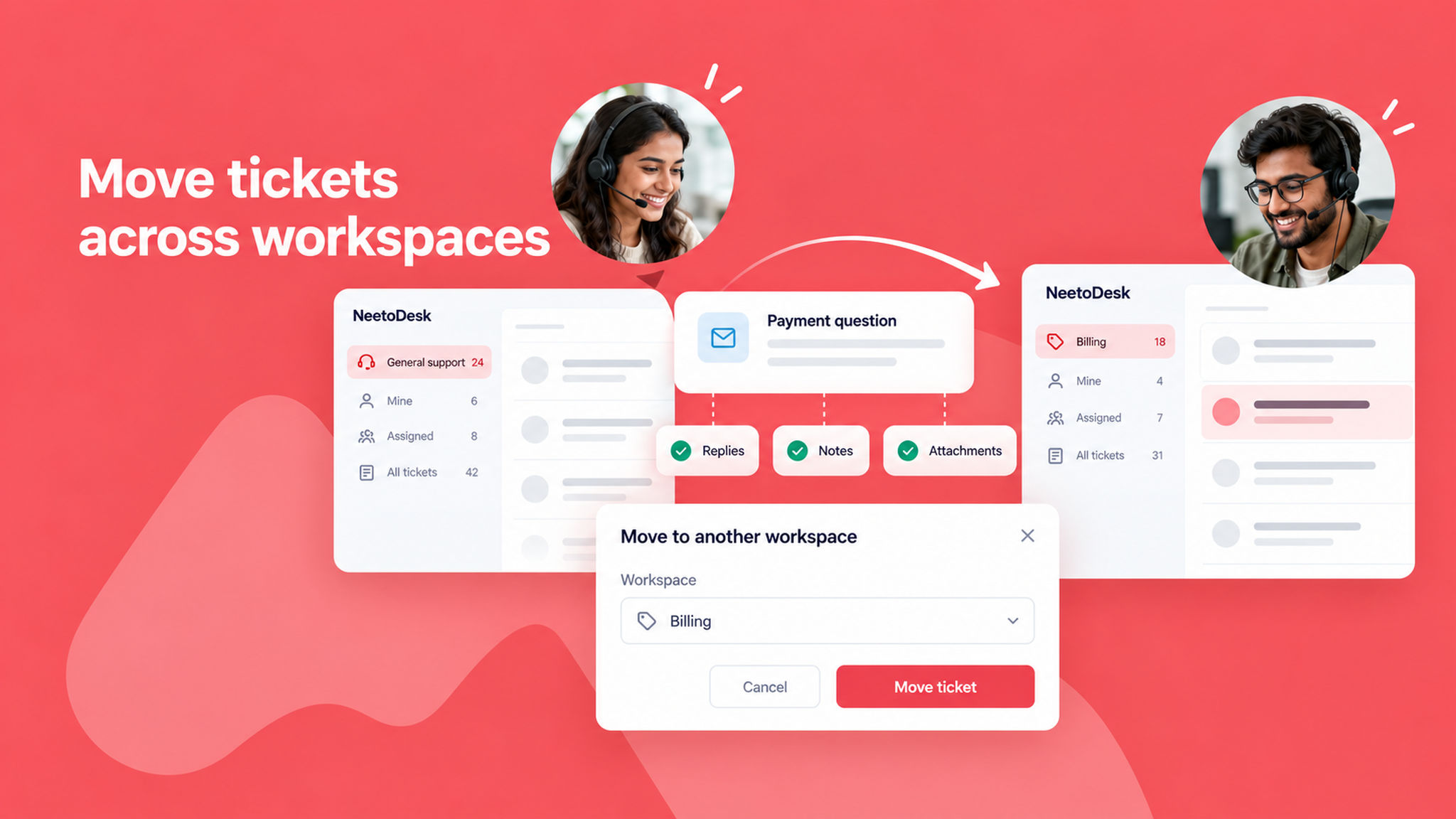
Sometimes a ticket reaches the wrong team. You can now move a ticket to another workspace in your organization, so the right team can pick it up with the full history.
To move a ticket, open it, click More in the ticket header and choose Move to another workspace.
The description, replies, notes and attachments always move with the ticket. The status, category, assignee, group, tags and custom fields carry over when the other workspace has a matching value.
To know more, read this help article.