Read receipts
Kirti Gulati
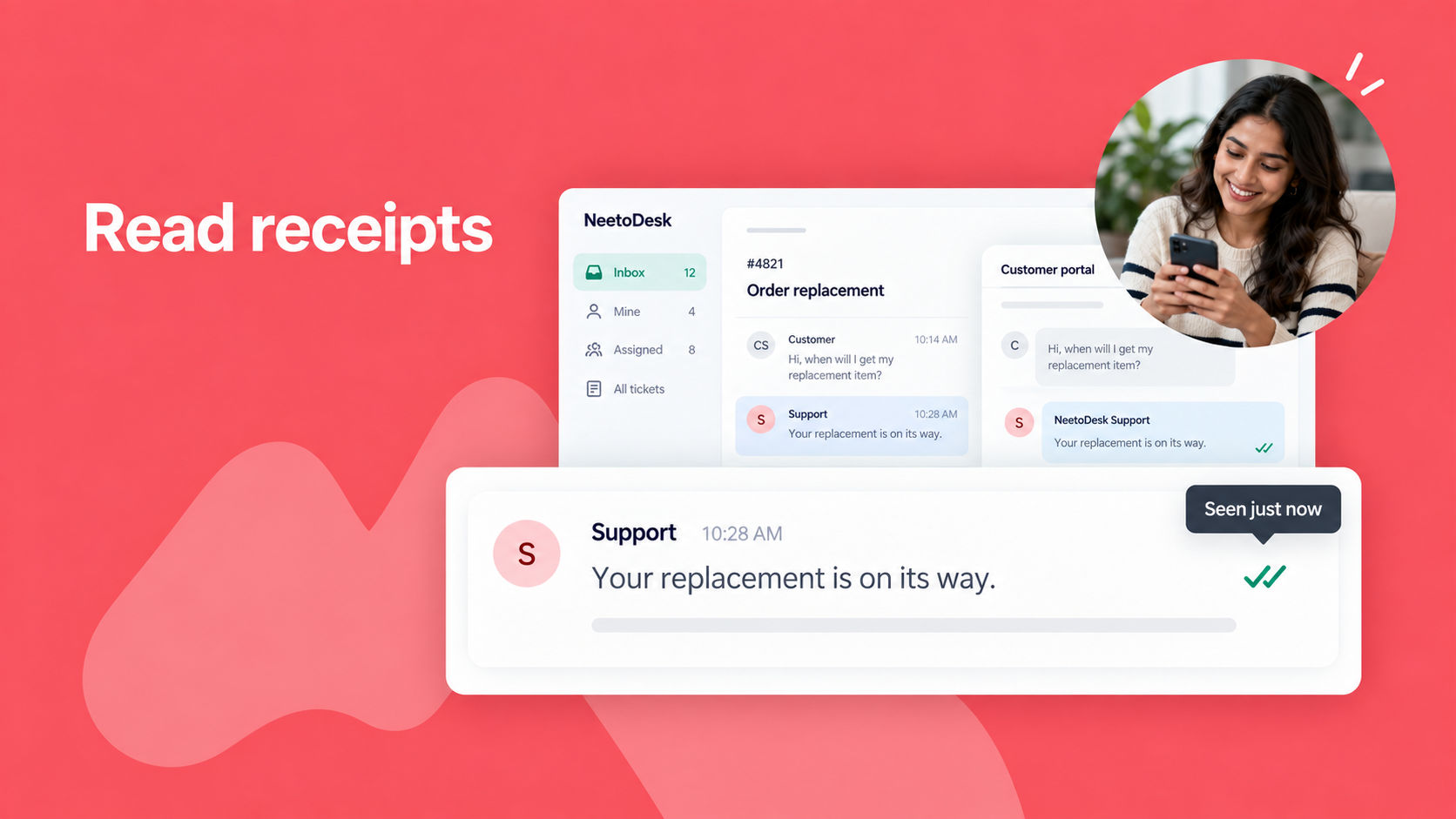
You can now see whether a customer has seen your reply, so you know when it's time to follow up.
When a customer opens your reply, either in the email or in the customer portal, a green double-check icon appears on it in the ticket. Hover over the icon to see when the reply was first seen.
To turn it on, go to Admin Panel > Tickets and enable Read receipts.
Read receipts are a helpful signal, but they are not always exact. Some email security tools open emails automatically, and some email apps block tracking.
To know more, read this help article.