Run your helpdesk from your AI assistant with NeetoDesk MCP
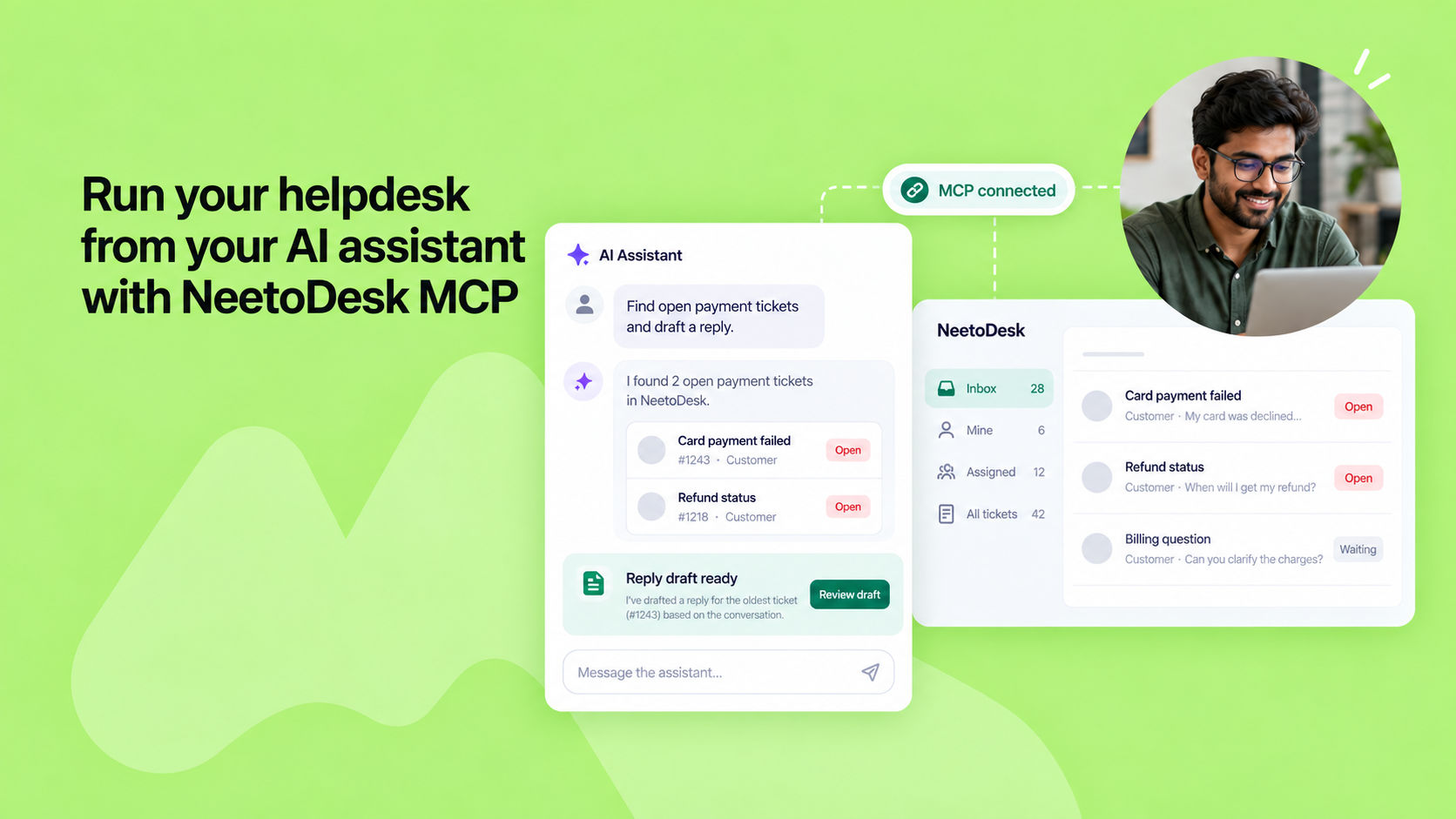
NeetoDesk now works inside the AI assistant you already use. Connect NeetoDesk through MCP (Model Context Protocol), an open standard that links AI assistants to apps.
Then just ask for what you need in plain language: "Show me the open tickets about failed card payments, summarize what each customer wants, and draft a reply on the oldest one."
The assistant finds the tickets, reads the conversations, replies or adds internal notes, saves drafts, updates status and priority, creates tickets, and pulls reports on ticket volume, agent and group performance, and customer satisfaction.
It can also search tickets by subject and by the text of their replies. It's especially useful when the details are already in your chat. Paste a complaint from Slack or a forwarded email thread, and the assistant turns it into a ticket with the customer, subject and description already filled in.
Setup takes a couple of minutes, and NeetoDesk hosts the server, so there's nothing to install or keep updated. It works with Claude, ChatGPT, Claude Code, Codex, Cursor, Gemini CLI, VS Code with GitHub Copilot, Windsurf and Antigravity.
Most assistants sign you in with your NeetoDesk account in the browser. You decide there whether the assistant can only read or can also create, update and delete. It only sees what your role allows. MCP and the NeetoDesk CLI work well together.
Use MCP when you want the assistant to read, decide and act. Use the CLI for scripts, scheduled jobs and bulk work that should run the same way every time. You can have both: run neetodesk setup claude, and your assistant drives the CLI for you.
To know more, read this help article.