Ticket notifications in private Slack channels
Sagar Anadkat
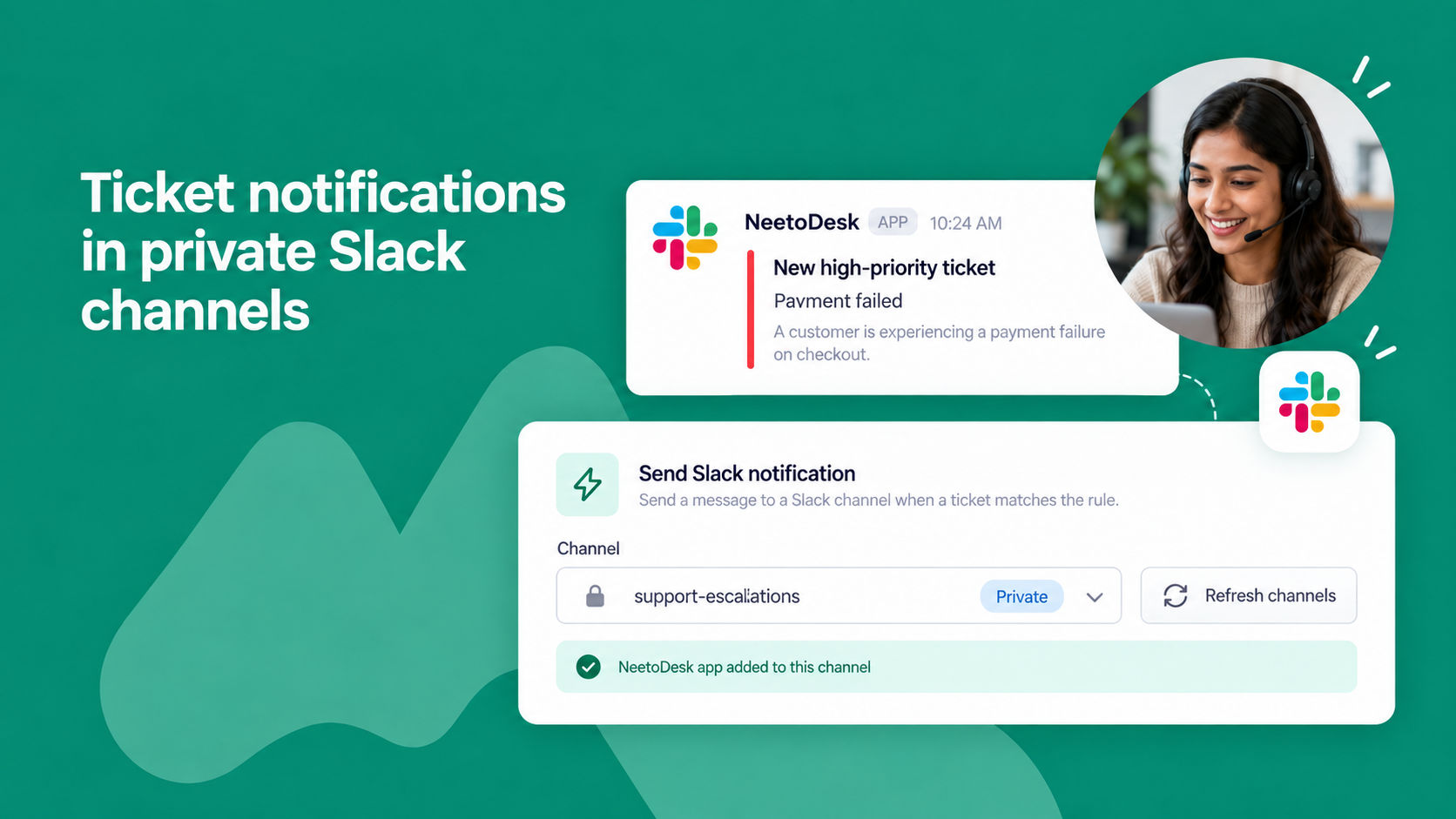
You can now send ticket notifications to private Slack channels.
Previously, only public channels appeared in the channel list when setting up an automation rule, so notifications could only be sent to channels visible to everyone in your workspace.
To use a private channel, first add the NeetoDesk app to that channel in Slack. Then open your automation rule and click the Refresh button next to the channel list. Your private channels will appear alongside the public ones, clearly marked as private, and you can select them just like any other channel.
To learn more, read our help article.