Rename built-in ticket statuses
Sagar Anadkat
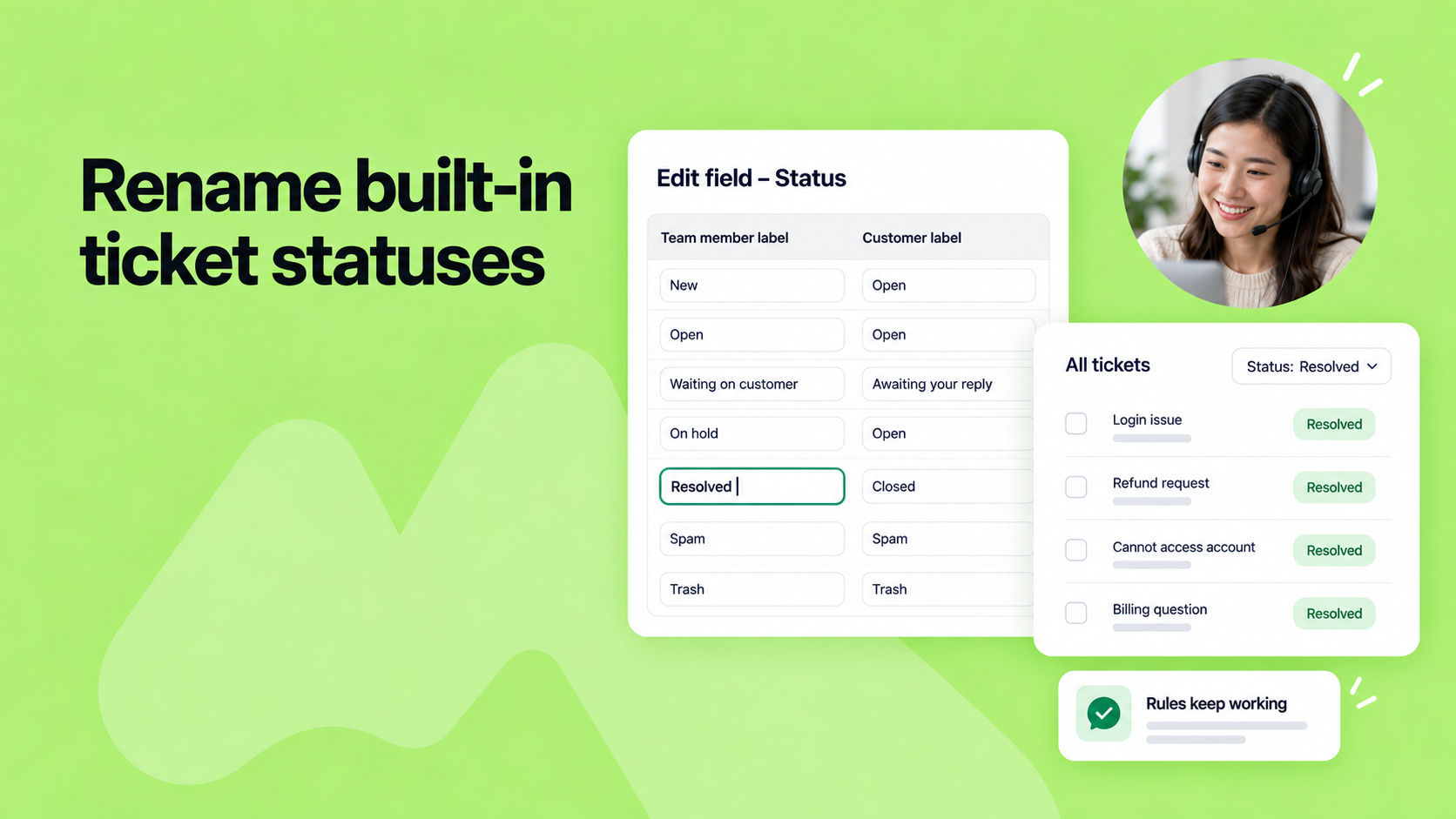
You can now rename built-in ticket statuses like New, Open, and Closed, so your team sees the wording they actually use.
To rename a status, go to Admin Panel > Ticket fields > Status and edit the team member label.
Renaming only changes the wording. Tickets keep the same status, and your automations, views, and macros continue to work as before. The new label also appears in ticket list filters and ticket volume reports.
To learn more, read our help article.